LocalSend: An Ecosystem Bridge
The Ecosystem Trap
If you use an iPad alongside a Windows PC, you already know the struggle when trying to move a simple 4K video file or a thumbnail draft between the two devices.
Apple wants you to buy a Mac to use AirDrop, and Windows wants you to jump through hoops with cloud storage. If you’ve been relying on emailing yourself links or waiting for Google Drive to sync massive files, it's time to stop cause there is a much better way to bypass this barrier entirely.
The Setup: LocalSend
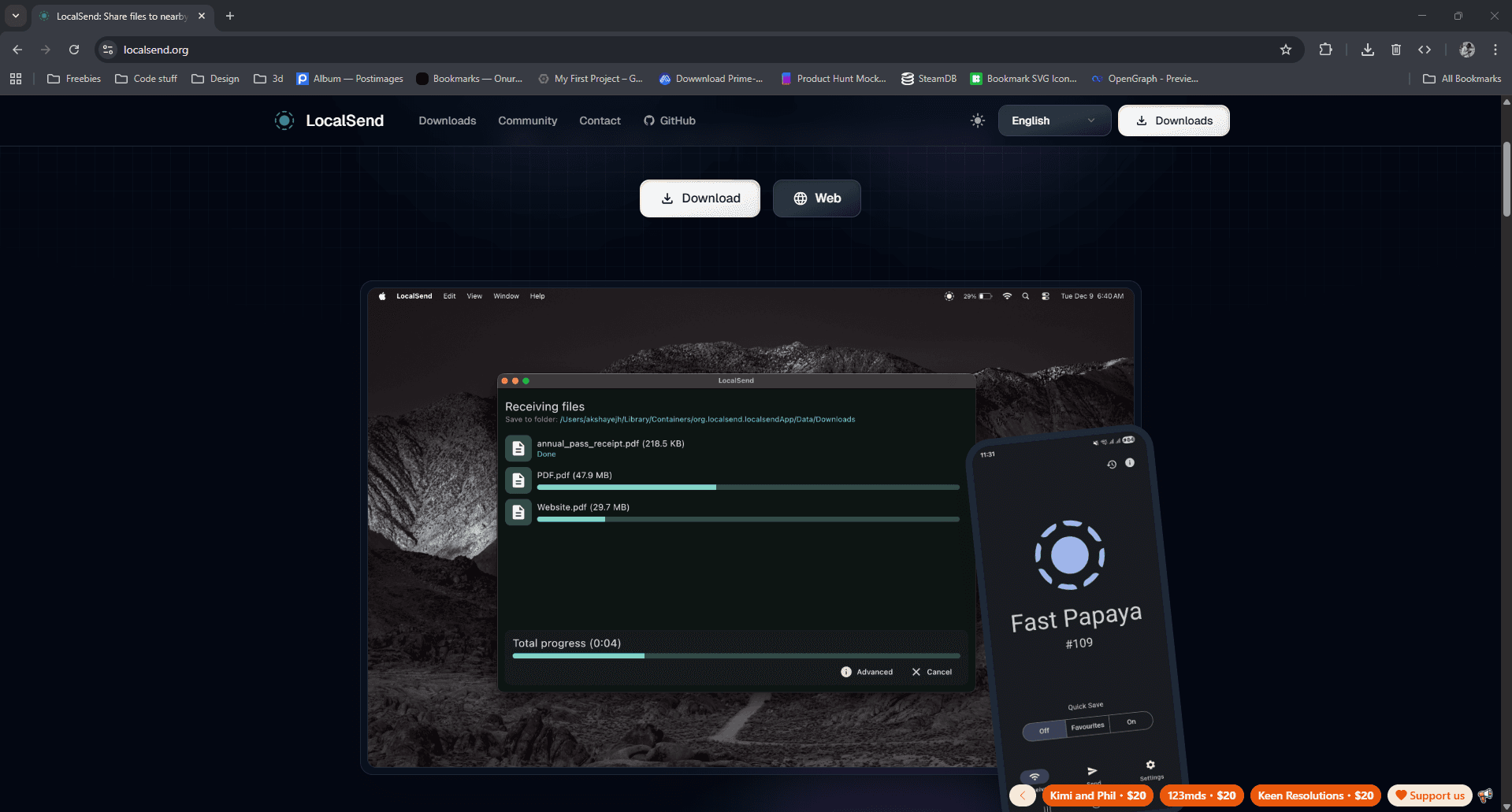
The secret is an open-source app called LocalSend. It doesn't use the cloud, it doesn't require an internet connection, and it doesn't compress your files. It simply uses your local Wi-Fi network to sebd files directly from device to device.
First, download the LocalSend application on your Windows PC and grab the app from the App Store on your iPad or iPhone.
Once you open the software on both devices, you don't even need to create an account or type in a password. The app automatically assigns a random name to your devices (like "Clever Tomato" or "Happy Lemon") so you can instantly recognize them.
 LocalSend interface on Windows PC
Breaking the Barrier
Here is where the magic happens. On your iPad, just hit the Send tab, select the videos, images, or even just a block of text you want to share, and tap your PC's name on the radar.
The transfer speeds are insane and this is because it uses your local network, I can throw heavy DaVinci Resolve project files or uncompressed Affinity Photo assets across my room in seconds while my internet is technically down.
Important Prerequisite: Both devices must be connected to the exact same Wi-Fi network or router. If your PC is on an ethernet connection but it's routed through the same network your iPad's Wi-Fi is on, it will still work perfectly.
The Catch (and The Fix)
There is one limitation: because Apple's background app refresh can be aggressively strict, iOS will sometimes kill the app's discoverability when you minimize it.
You won't always see your iPad show up on your PC's radar right away.
Here is the strategy:
- Always open LocalSend on your iPad first and leave the screen on.
- Open LocalSend on your PC.
- Initiate the transfer.
As long as the app is actively open on your iPad's screen, the devices will instantly find each other every single time.
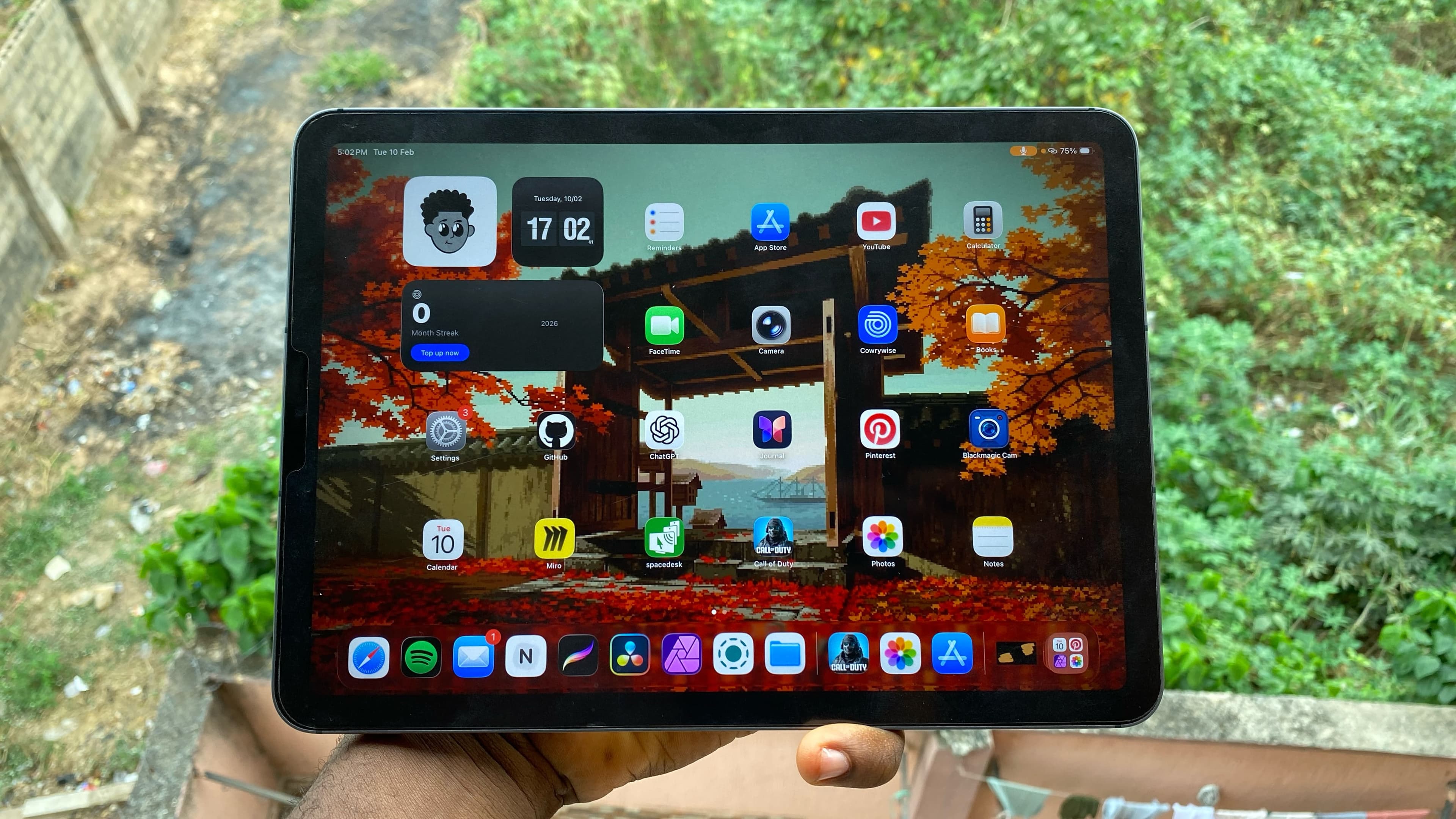
 LocalSend radar on iPad
Good luck, and I'll see you in the next one.
Related posts
Join the Lab
Get my hardware deep dives directly in your inbox.
Thanks for reading
Check out my other deep dives into tech.