3 Specs That Actually Matter Before Buying a Laptop
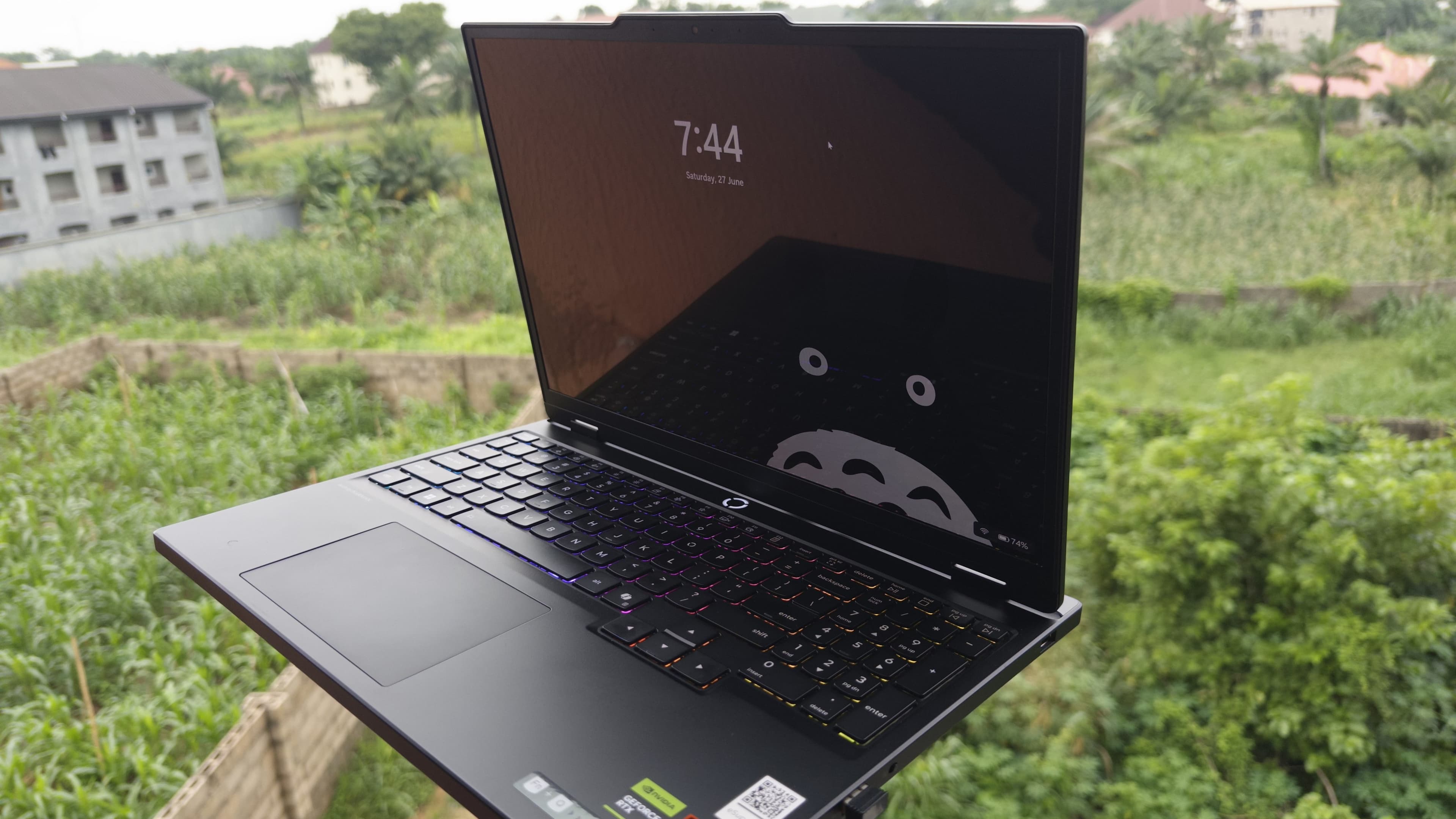
Stop Getting Tricked by Specs
90% of people buy the wrong laptop. Not because they didn't do research, but because they researched the wrong things. They spend hours comparing benchmark scores on specs that barely even matter in real-world use, and then wonder why their brand-new machine still feels sluggish six months later.
So let's cut through the noise. Here are the three specs that will actually determine whether your laptop is good for you and the one extra thing most people completely ignore.
1. The CPU
 Task Manager showing the CPU
The two big names here are AMD and Intel. But before you start comparing chips, ask yourself one honest question: what is this laptop actually going to do?
If you're mostly gaming, the processor matters less than the internet will have you believe. Most games are far more GPU-dependent, so obsessing over CPU benchmarks for a gaming machine is often wasted energy.
But if video editing, rendering, coding, or heavier productivity work is your thing, then the CPU becomes a much bigger deal. Intel HX chips and higher-end AMD Ryzen chips are typically solid choices for those workloads since they're built to sustain performance over long sessions, not just spike high on a benchmark and throttle.
The point isn't to pick the "best" chip. It's to match the chip to the job.
2. The GPU
This is the one gamers, 3D artists, and VFX artists need to pay the most attention to.
The moment anyone mentions "graphics card," the conversation immediately jumps to RTX 5090s and top-tier AMD cards, but really most people don't need that. The best GPU is the one that fits your actual situation.
If you're on a budget and just want to play modern games without breaking the bank, something like an RTX 4050 gets the job done. Will you need to lower a few settings? Maybe. But you'll be playing? Yes, and that's the point.
On the flip side, if you're doing serious Blender work, heavy VFX compositing, or anything that involves rendering large scenes, you'll want something significantly more powerful with a lot more VRAM to handle those workloads without choking.
| Use Case | GPU Tier You Actually Need |
|---|---|
| Casual gaming / light creative work | RTX 4050 / equivalent |
| Competitive gaming / content creation | RTX 4060 – 4070 range |
| Heavy 3D / VFX / AI workloads | RTX 4080 and above |
 Task Manager showing the GPU
Don't buy more GPU than you need. But definitely don't buy less either.
3. RAM
And this is the one I'd really push you not to cheap out on.
You can have an amazing CPU and a great GPU, and your laptop can still feel slow if the RAM is underpowered. Low RAM is the silent killer of the laptop experience because apps start freezing, multitasking becomes painful, Chrome stutters, and everything just feels worse than the specs suggest it should.
In 2026, 16GB should be the absolute minimum for most people.
8GB is only acceptable if your use case is genuinely basic, things like light browsing, schoolwork, watching videos. The moment you start editing, running heavier apps, or gaming seriously, 8GB will start showing its limits.
 Task Manager showing the RAM
If your budget stretches to it, 32GB is the sweet spot for anyone doing creative work. You won't be forced to close apps to make room, and future-proofing matters more than people think when they're at the point of sale. ---
The Bonus One: Cooling
This doesn't get its own spec listing, but it should. A laptop that overheats will underperform, full stop. It doesn't matter how impressive the specs look on paper. If the thermal design is bad, the chip will throttle under sustained load, and you'll end up with something that runs great for 10 minutes and then slows down exactly when you need it most. Always look up thermal performance and long-term throttling behavior before you buy, especially for slim or budget machines.
 Laptop Underside showing the cooling space
cutout
Laptop Underside showing the cooling space
cutout
If you want the full breakdown, including recommendations at different price points, I put together a free laptop guide you can download at store.imaginbright.com. Go grab that if you're actively looking to buy.
Good luck out there, and don't get baited by specs that don't matter.
Join the Lab
Get my hardware deep dives directly in your inbox.
Thanks for reading
Check out my other deep dives into tech.